Meta Description
Learn how to create a professional LinkedIn profile that helps with networking and job searches. Discover Open to Work, job alerts, common mistakes, and more.
Introduction
Learning how to create a professional LinkedIn profile is only the first step. In Part 1, we built the foundation by covering your profile photo, headline, About section, education, experience, skills, certifications, and projects.
However, a strong profile should also help you connect with the right people and discover relevant career opportunities. LinkedIn describes a profile as a professional landing page that can help you manage your professional presence, build your network, and become more discoverable.
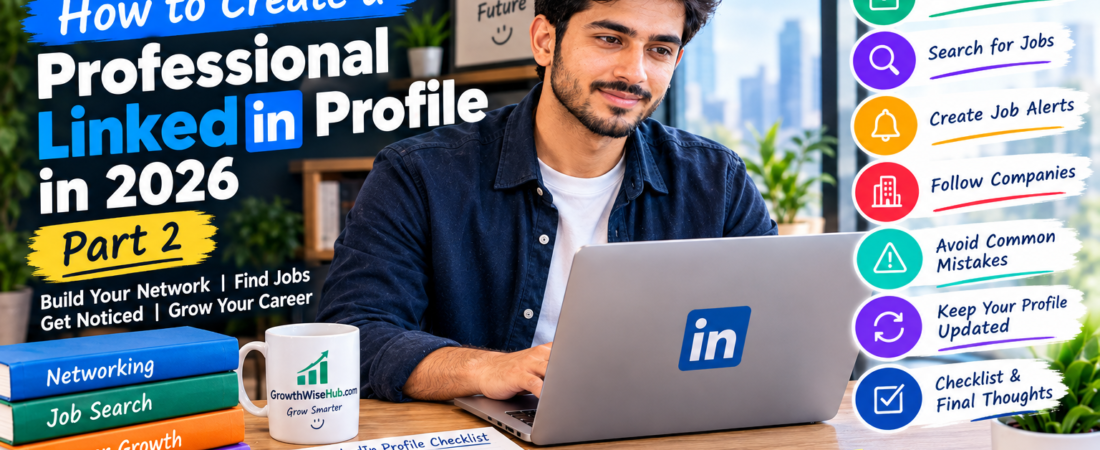
Therefore, in Part 2, we’ll continue learning how to create a professional LinkedIn profile that supports your job search. We’ll cover networking, Open to Work, job searches, job alerts, following companies, common mistakes, and keeping your profile updated.
By the end, you’ll have a simple checklist you can use to review your profile before you start actively using LinkedIn for your career.
1. How to Create a Professional LinkedIn Profile That Builds Your Network
Creating a profile is important, but how to create a professional LinkedIn profile also involves building meaningful professional connections.
First, start by connecting with people you actually know or people who are relevant to your career interests.These might include:
- Former classmates
- Teachers or instructors
- University alumni
- Former colleagues
- Freelance clients
- Industry professionals
- Recruiters
- People working in companies you are interested in
Instead of sending the same message to everyone, personalize your connection request when appropriate.
For example:> “Hello, I noticed that we both have an interest in digital marketing. I’d be happy to connect and learn from your professional experience.”A thoughtful approach is usually better than trying to collect hundreds of random connections.
LinkedIn itself recommends using the platform to stay connected with alumni, colleagues, recruiters, creators, and organizations.
2. How to Create a Professional LinkedIn Profile With Open to Work
If you’re actively searching for employment, LinkedIn’s OpenToWork feature can help communicate your job-search status. However, you should choose the visibility option that makes sense for your situation.
LinkedIn currently allows you to choose whether your Open to Work status is visible to all LinkedIn members or only to recruiters. You can also specify the types of roles and locations you’re interested in.
For example, you might select:
- Digital Marketing
- Content Writer
- Social Media Assistant
- Virtual Assistant
- Customer Support
Additionally, choose locations and work types that genuinely match what you are looking for.
If you don’t want everyone to see the status, LinkedIn provides a Recruiters only option. However, LinkedIn notes that it cannot guarantee complete privacy from recruiters at your current company.
🔗 Official profile Resource LinkedIn
3. Search for Jobs That Match Your Skills
Once your profile is ready, you can start using LinkedIn’s Jobs section. First, search for positions that match your actual skills and career goals.
For example:
- Junior Graphic Designer
- Content Writer
- Digital Marketing Assistant
- Customer Support Representative
- Data Entry Specialist
- Virtual Assistant
Then, use filters to narrow the results.LinkedIn allows job seekers to search by role and location and use filters to refine results. You can also find both Easy Apply jobs and positions where LinkedIn sends you to the employer’s website to apply.
Most importantly, read the complete job description before applying.Don’t apply simply because the job title sounds attractive.
4. Create Job Alert
Job alerts can save you from repeatedly searching for the same type of job.For example, if you’re interested in content-writing jobs in your city, create a search that matches those requirements and turn on the job alert.
LinkedIn says job alerts can notify you about new matching postings through email, app notifications, or both. You can also choose daily or weekly alerts.
As a result, you can discover new opportunities without manually checking LinkedIn every few hours. You can also create alerts for specific companies when that option is available.
5. Follow Companies You Would Like to Work For
Following companies can help you stay informed about their updates, job opportunities, and professional content.
First, make a list of companies that interest you.Then search for their official LinkedIn Pages and follow the ones that are relevant to your goals.Furthermore, check their Jobs section regularly.
LinkedIn also provides an “I’m interested” feature for some companies, allowing members to privately signal interest even when they are not applying for a specific position. Availability can vary by company.
This doesn’t guarantee employment, of course.Instead, think of it as another way to organize your job search and show interest in companies you genuinely want to work for.
6. Keep Your LinkedIn Profile Updated
Your LinkedIn profile shouldn’t be something you create once and then forget.Instead, update it whenever something important changes.
For example, you can add:
- A new certification
- A completed course
- A new project
- Freelance experience
- A new skill
- A new job
- A promotion
- Relevant achievements
LinkedIn recommends keeping your profile updated because profile information can influence job recommendations and help other people understand your experience and skills. Therefore, take a few minutes every month or two to review your profile.
7. Avoid Copying Someone Else’s Profile
It’s perfectly fine to look at other professional profiles for inspiration.However, don’t copy someone’s About section, headline, achievements, or job descriptions word for word.
Your profile should represent your own experience.For example, if you’re a beginner, don’t describe yourself as a senior professional simply because another person’s profile uses that title.
Instead, focus on what you genuinely know and what you’re currently learning. An honest beginner profile can still look professional.
8. Don’t Add Skills You Don’t Have
LinkedIn gives you the opportunity to showcase many skills.Nevertheless, adding dozens of skills you cannot actually demonstrate can weaken your profile.
Suppose you have basic knowledge of SEO.You can list SEO as a developing skill if it genuinely reflects your knowledge.However, claiming advanced expertise when you have never worked with real SEO projects can create problems if a recruiter asks you about it.
Therefore, keep your skills accurate and relevant.This approach also makes it easier to prepare for job interviews because you can confidently discuss the skills you actually listed.
9. Avoid Making Your Profile Look Like an Advertisement
Your LinkedIn profile is a professional space, so avoid filling it with excessive promotional language.
For example, phrases such as:> “I am the world’s best digital marketing expert!”may sound impressive, but they don’t provide useful evidence.
Instead, explain what you have actually done.For example:> “I have completed several digital marketing projects while developing my skills in SEO, content creation, and social media.”
That statement is much more believable because it explains your actual experience.Similarly, use specific examples whenever possible.
10. Review Your Profile Before Starting Your Job Search
Finally, take a few minutes to review everything. Ask yourself:
- Does my headline explain what I do or what I’m working toward?
- Is my About section clear?
- Are my skills relevant?
- Does my experience match my CV?
- Are my projects genuine?
- Is my profile photo appropriate?
- Have I removed outdated information?
- Are my job preferences accurate?
- Do my LinkedIn and CV tell the same professional story?
If the answer is yes, you’re in a much better position to start using LinkedIn professionally.
Simple LinkedIn Profile Checklist
Before you start actively networking or applying for jobs, use this quick checklist:
✅ Profile
✅ Name is correct
✅ Clear profile photo
✅Professional headline
✅ Location is accurate
✅ Industry is relevant
✅ About section is complete Experience & Skills
✅ Education added
✅Relevant experience added
✅ Skills are genuine
✅ Certifications added
✅ Projects included where usefulJob Search
✅ Job preferences updated
✅ Open to Work considered
✅ Job alerts created
✅ Relevant companies followed
✅ CV is ready for Professional Presence
✅No exaggerated claims
✅ No copied content
✅ No misleading qualifications
✅Information is up to date
✅ Profile matches your career goals
What We Have Learned
Across Part 1 and Part 2, we’ve covered the complete foundation of how to create a professional LinkedIn profile.
We started with the basics: your photo, headline, About section, education, experience, skills, certifications, and projects.Then, we moved into networking and job searching.
We learned how to connect with relevant professionals, use Open to Work, search for suitable jobs, create job alerts, follow companies, and keep your profile updated.
Most importantly, we also learned what not to do. Avoid fake qualifications, copied descriptions, exaggerated claims, and irrelevant information.
Final Thoughts
Learning how to create a professional LinkedIn profile is really about presenting your professional journey honestly and clearly.
In Part 1, we built the foundation of the profile. Then, in Part 2, we learned how to turn that profile into a useful career tool by connecting with people, searching for jobs, setting job alerts, and following relevant companies.
Personally, I think beginners should focus less on making their profile look perfect and more on making it genuine and useful. You don’t need ten years of experience to create a professional LinkedIn presence.
If you’re a student, show what you’re learning. If you’re a beginner, mention the skills you’re developing. Similarly, if you’ve completed personal or freelance projects, use them to demonstrate what you can actually do.
Most importantly, keep improving. Your LinkedIn profile can grow as your education, skills, projects, and experience grow. And remember, LinkedIn is only one part of your career journey.
A strong CV, a good cover letter, useful digital skills, and proper job interview preparation can all work together to improve your chances.
You can read our guide about professional CV at.
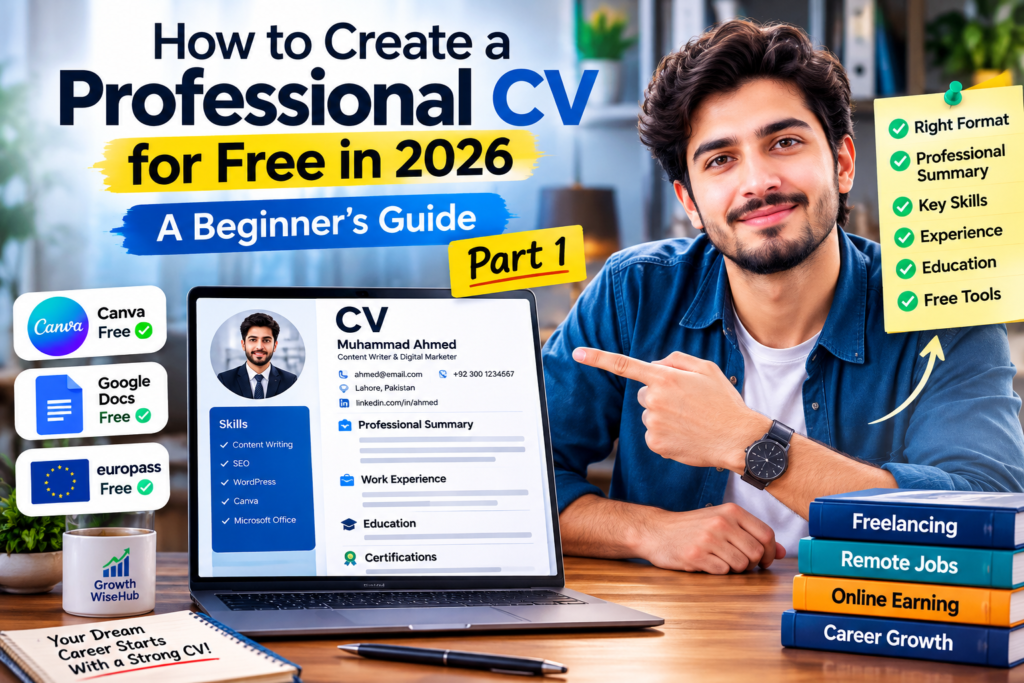
🔗 How to Create a Professional CV for Free in 2026: Step-by-Step Guide (Part 1)
Finally, don’t create your profile today and forget about it tomorrow. Keep it updated, build genuine connections, and continue learning.
That’s the real goal behind how to create a professional LinkedIn profile—not simply having a LinkedIn account, but creating a professional presence that grows with you.