Introduction
A good CV can make a strong first impression when you apply for a job, internship, freelance opportunity, or remote position. However, creating a professional CV for free does not mean you need expensive software or a professional designer.
Fortunately, several free tools can help you create a clean and professional CV from your phone or computer.
In this guide, we’ll go step by step so even a beginner can create a CV with confidence.
1. What Is a CV and Why Is It Important ?
A CV (Curriculum Vitae) is a document that summarizes your education, skills, work experience, achievements, and other qualifications.we recommend professional CV for free and it’s parts for a good one.
In simple words, your CV tells an employer:
- Who you are
- What skills you have
- What experience you have
- What you can offer
- Why you may be suitable for the position
- Therefore, your CV should be clear, relevant, easy to read, and tailored to the job you’re applying for..
2. Choose the Right CV Format
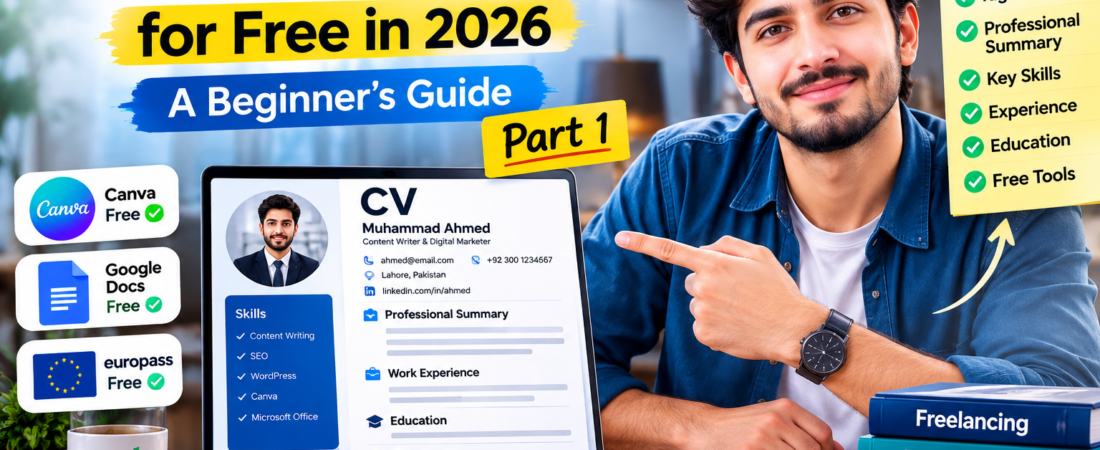
Before designing your CV, decide which information you need to highlight.For most beginners, a simple structure works well:
- Name and contact information
- Professional summary
- Skills
- Work experience
- Education
- Certifications
- Projects or achievements
- Languages,if relevant
Moreover, if you have little or no work experience, don’t worry. You can highlight education, skills, personal projects, internships, volunteer work, and certifications instead.
3. Write a Strong Professional Summary
Your professional summary should quickly explain who you are and what you can do.
For example:
“Motivated beginner with skills in content writing, WordPress, and digital marketing. Interested in developing practical skills and contributing to remote and freelance projects.”
Keep it short—around 2–4 sentences is usually enough.
Most importantly, avoid generic statements such as “I am hardworking and honest.” Instead, focus on your actual skills and what you can contribute.
4. Add Your Most Relevant Skills
Next, create a Skills section.Don’t simply add every skill you have. Instead, choose skills that are relevant to the position.
For example,someone applying for a content-writing position could list:
- Content Writing
- SEO Basics
- WordPressAI-Assisted Writing
- Research
- Microsoft Word
- Communication
Similarly, someone applying for a graphic-design position could highlight:
- Canva
- Graphic Design
- Social Media Design
- Photo Editing
- Branding
The key is relevance. A tailored CV is generally more useful than sending exactly the same CV for every job.
5. Add Your Education and Experience in Professional CV for free
Now add your educational background and work experience.Use reverse chronological order, meaning your most recent experience or education should normally appear first.
Europass also recommends presenting experience this way and tailoring your CV to the specific opportunity.
Europass
For work experience, don’t only write your job title. Explain what you actually did.
Weak example:
Content Writer – ABC Company
Better example:
Content Writer – ABC Company.
- Created SEO-friendly blog articles.
- Researched topics and keywords.
- Edited and formatted website content
This approach makes your experience much easier for a recruiter to understand.
6. Use Free Tools to Create Your CV
You don’t need expensive software to create a professional CV.
🎨 Canva
Canva offers free CV templates and a drag-and-drop editor, making it particularly convenient for beginners. You can customize the layout, fonts and sections and download your finished CV.
Google Docs
Google Docs also provides templates, including resume templates. On Android, you can open the Docs app, tap New → Choose template, and select an available template.
🇪🇺 Europass
Europass is another free option, particularly useful if you’re applying for opportunities in Europe. It allows you to create and save multiple CVs from your profile.
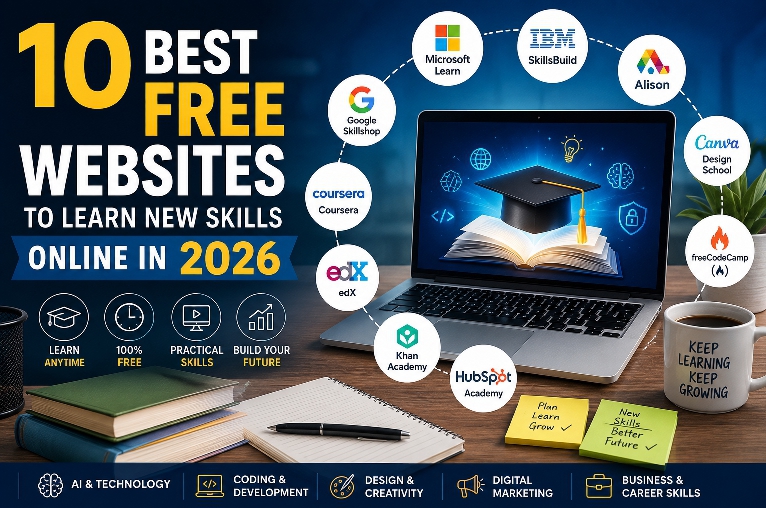
🔗10 Best Free Websites to Learn New Skills Online in 2026
Final Thought
Creating a professional CV doesn’t have to be difficult or expensive. With the right structure and free tools, beginners can create a clean and professional CV even without advanced design skills.
In Part 1, we covered the basics of creating a CV, including the right format, professional summary, skills, education, experience, and some useful free CV-making tools.
However, creating the CV is only the first step. In Part 2, we’ll look at how to make your CV more professional, ATS-friendly, and suitable for jobs, freelancing, and remote opportunities.
We’ll also cover common CV mistakes and a final checklist before you send your CV to employers.
Stay tuned for Part 2! 🚀