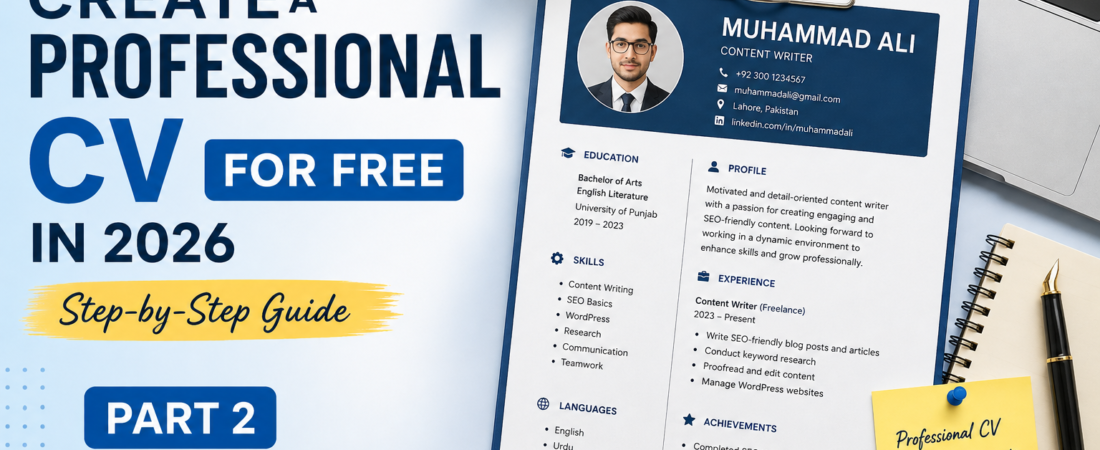
In Part 1, we covered the basic preparation and important sections needed to create a professional CV.
Now, in Part 2, we will focus on improving your CV, avoiding common mistakes, saving it correctly, and preparing it for real job applications.
7. Add Relevant Skills
Your CV should include skills that are relevant to the position you are applying for.
For example, if you are applying for a content writing position, you could mention skills such as content writing, SEO, research, communication, and WordPress if you genuinely have those skills.
However, avoid adding skills simply because they sound impressive. Only mention skills that you understand and can confidently discuss during an interview.
If you are still building your skills, check out our guide at,
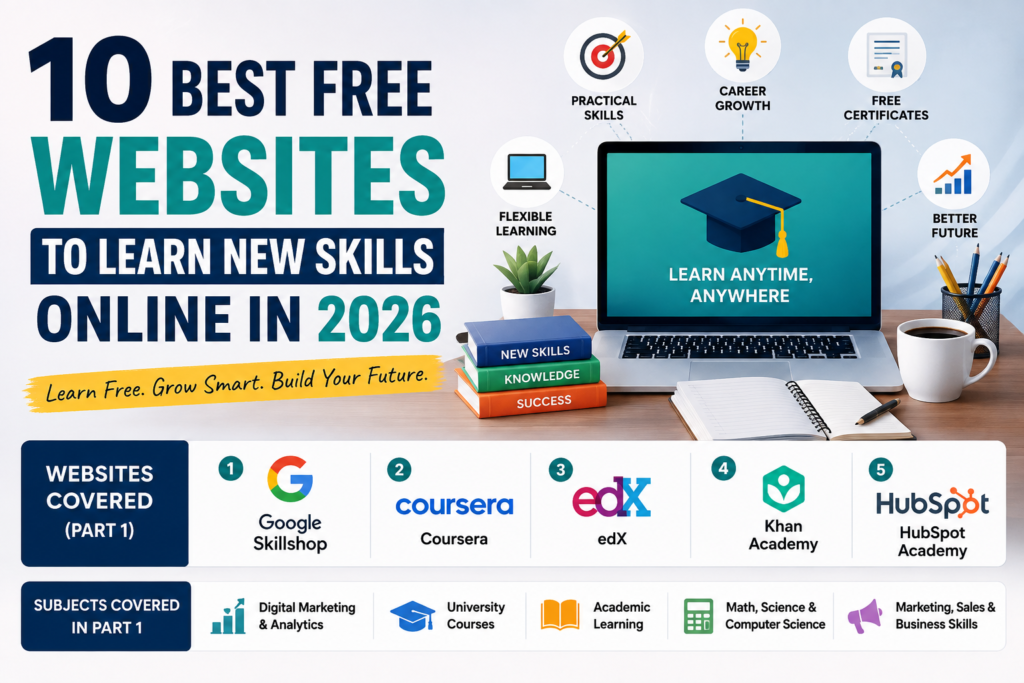
🔗10 Best Free Websites to Learn New Skills Online in 2026
8. Keep Your CV Simple and Professional
A professional CV does not need excessive colors, graphics, or complicated designs.Instead, focus on:
- Clear headings
- Easy-to-read fonts
- Short paragraphs
- Bullet points
- Consistent formatting
- Enough white space
Additionally, beginners should generally try to keep their CV within one or two pages, depending on their experience and qualifications.
Need help creating your CV? You can use
to choose a professional template and customize it according to the job you’re applying for.
Alternatively,
is another useful option for creating a structured CV.
9. Proofread Your CV Carefully
Before downloading your CV, carefully check it for spelling, grammar, and formatting mistakes.
Make sure your:
- Name is correct
- Phone number is accurate
- Email address is professional
- Education details are correct
- Work experience is accurate
- Skills are relevant
- Dates are consistent
- Links work properly
Even a small mistake can make your CV look less professional. Therefore, read your CV carefully before submitting it. If possible, ask someone you trust to review it as well.
10. Download Your CV as a PDF
Once your CV is complete, download or save it as a PDF file.PDF is a useful format because it helps preserve the layout and formatting across different devices.
Moreover, most employers and job platforms accept PDF files.Use a professional file name such as:
Muhammad_Ali_CV_2026.pdf
Avoid generic names such as:
CV_Final_New_Updated2.pdf
A clean file name makes your application look more organized and professional.
11. Tailor Your CV for Each Job
One of the most important steps is to customize your CV according to the job you are applying for.
Instead of sending exactly the same CV to every employer, carefully read the job description and highlight your most relevant skills and experience.
For example, if a job description focuses on WordPress, SEO, and content writing, make sure these skills are clearly visible in your CV if you actually have them.
This approach can make your application more relevant and help employers quickly understand what you can offer.
Final CV Checklist
Before sending your CV, make sure you have completed the following.
✅ Contact information is correct
✅ No spelling or grammar mistakes
✅ Relevant skills are included
✅ Education details are accurate
✅ Work experience is clearly presented
✅ Formatting is consistent
✅ CV is saved as a PDF
✅ File name looks professional
✅ CV is tailored to the job
🔗Internal Link
🔗How to Create a Professional CV for Free in 2026
Final Thought
Creating a professional CV in 2026 does not have to be expensive. With free online tools, a clean template, and well-organized information, beginners can create an attractive and professional CV without hiring a designer.
In Part 1, we covered the essential preparation and key sections of a CV. In Part 2, we focused on improving your CV, avoiding common mistakes, choosing the right format, and preparing it for actual job applications.
Most importantly, remember that a good CV should not simply look professional. It should clearly communicate your skills, experience, and value to a potential employer.
A well-prepared CV can be your first step toward finding better job opportunities in 2026. 🚀